Santa Gift Delivery Game TV20.0
Publisher Description
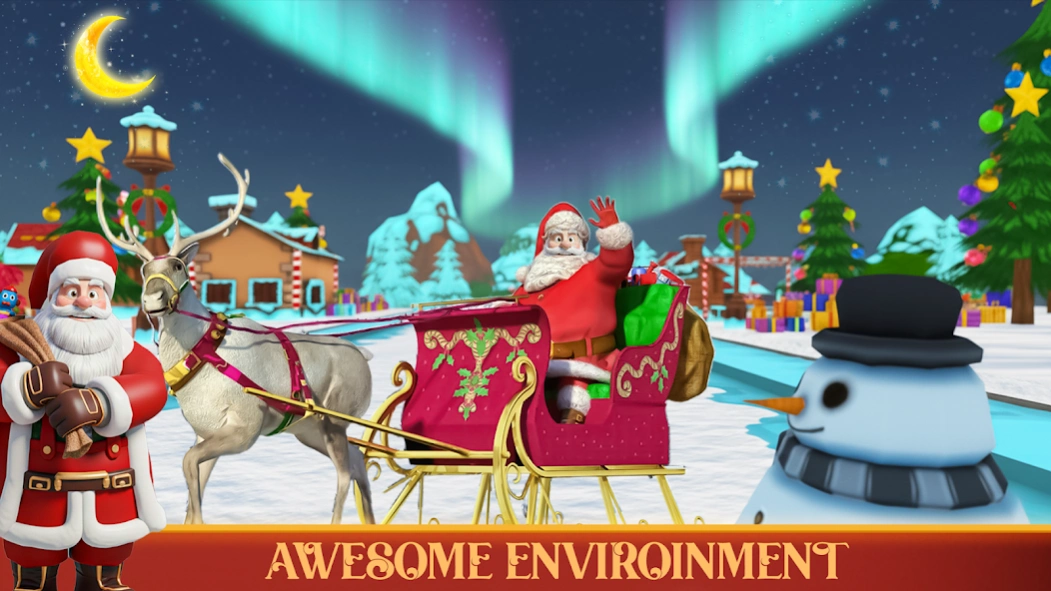
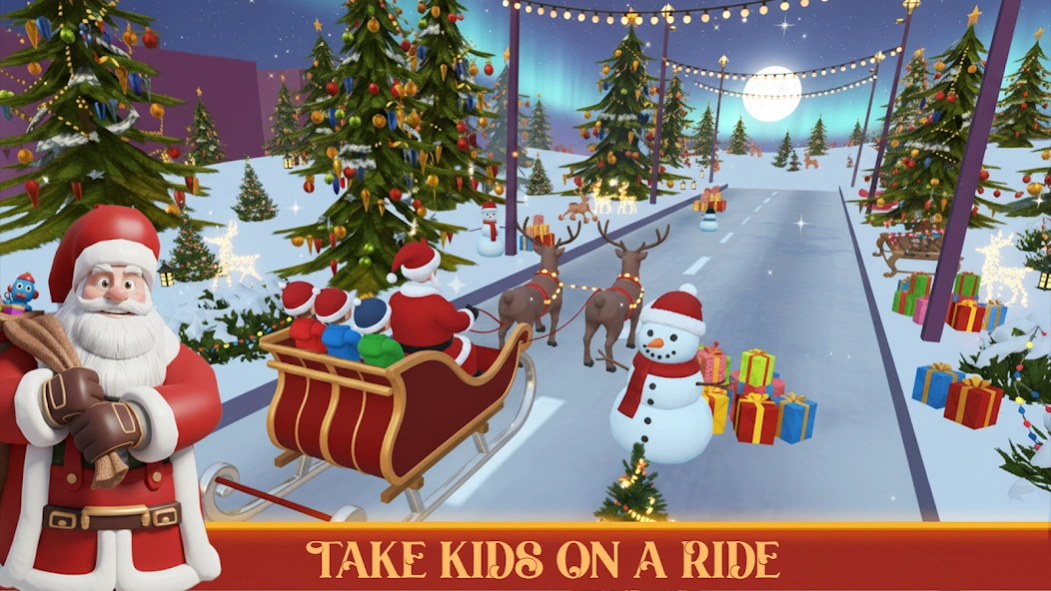
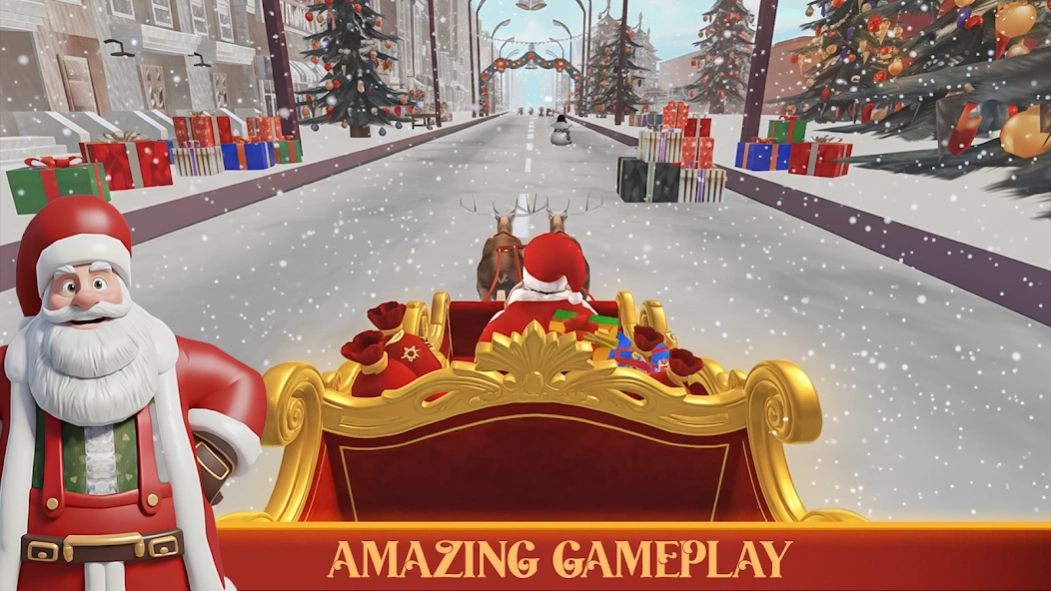
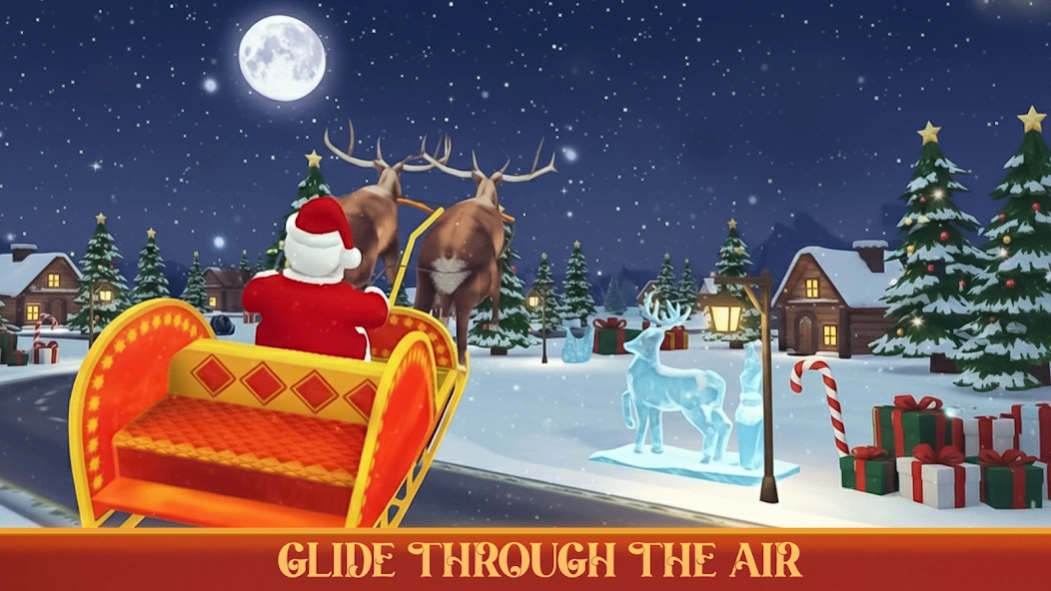
Fly Santa’s sleigh and deliver gifts across wintry cityscapes. Big-screen TV fun
Fly Santa’s sleigh and deliver gifts across wintry cityscapes. Big-screen TV fun!
Become Santa Claus and zoom across a snowy winter wonderland in this festive big-screen game made for your TV!
• Big-screen fun — Optimised for modern TVs, 4K displays and gamepad/remote controls.
• Festive missions — Fly Santa’s sleigh, deliver presents to every house before Christmas Eve, dodge snowstorms and traffic.
• Magic holiday visuals — Sparkling snow, glowing lights, reindeer powered sleigh, cheerful children — made for couch-play with family and friends.
• Easy to pick up, hours of fun — Intuitive controls for remote or gamepad. Perfect for kids, casual gamers and family gatherings.
• Unlockables & extras — Upgrade your sleigh, collect coins, choose new reindeer partners, decorate your route.
• Seasonal treat — A cheerful Christmas game that spreads joy!
Download now and make this holiday season unforgettable. Santa's waiting — your TV adventure is about to begin!
About Santa Gift Delivery Game TV
The company that develops Santa Gift Delivery Game TV is Ample Games - Publishing. The latest version released by its developer is 20.0.
To install Santa Gift Delivery Game TV on your Android device, just click the green Continue To App button above to start the installation process. The app is listed on our website since 2026-02-09 and was downloaded 5 times. We have already checked if the download link is safe, however for your own protection we recommend that you scan the downloaded app with your antivirus. Your antivirus may detect the Santa Gift Delivery Game TV as malware as malware if the download link to com.ample.freesantaclaus is broken.
How to install Santa Gift Delivery Game TV on your Android device:
- Click on the Continue To App button on our website. This will redirect you to Google Play.
- Once the Santa Gift Delivery Game TV is shown in the Google Play listing of your Android device, you can start its download and installation. Tap on the Install button located below the search bar and to the right of the app icon.
- A pop-up window with the permissions required by Santa Gift Delivery Game TV will be shown. Click on Accept to continue the process.
- Santa Gift Delivery Game TV will be downloaded onto your device, displaying a progress. Once the download completes, the installation will start and you'll get a notification after the installation is finished.
Program Details
System requirements
Download information
Pricing
Version History
version 20.0
posted on 2026-02-09
Minor Bug fix
